Jigsaw
Open the game and you are presented with a number of images.
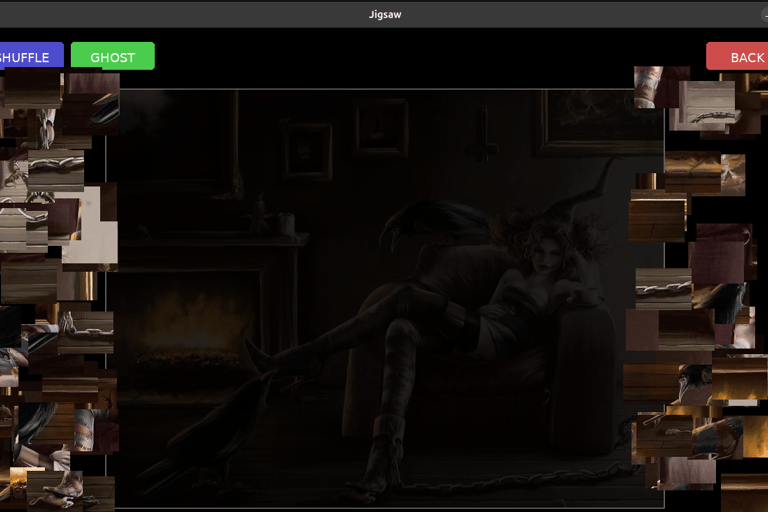
The slider at the top determines the number of pieces. You can decide if you want the pieces randomly rotated or not.
Click on the image you want to put together.
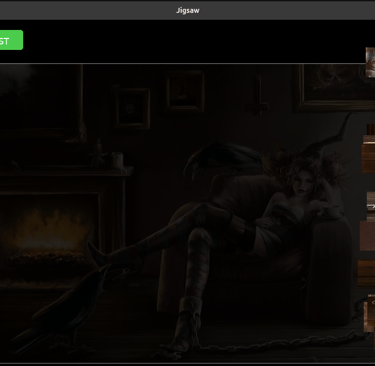
Drag the pieces onto the board. They will click into place if you get it right.
You can also use your own pictures. Simple drag the images onto the game and they will be added to the menu. If you want to remove them click Reset Gallery. All the images you added will be removed
© 2026. All rights reserved.